To cancel the subscription on MyCommerce for your Aceclicks order, here's what you need to do:
Step 1: Go to https://account.mycommerce.com/ and sign in with your credentials.
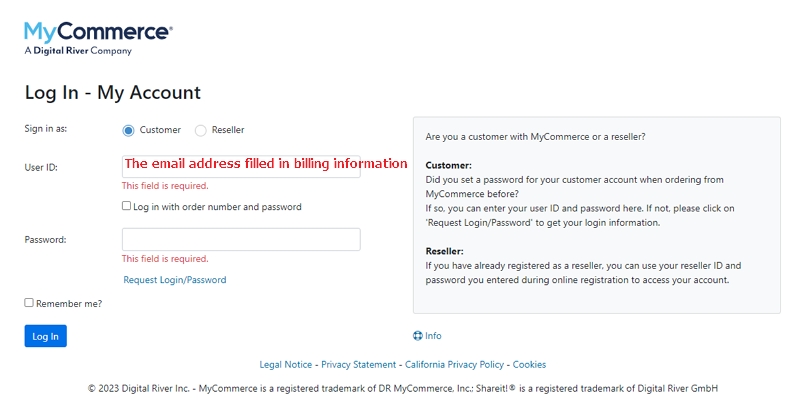
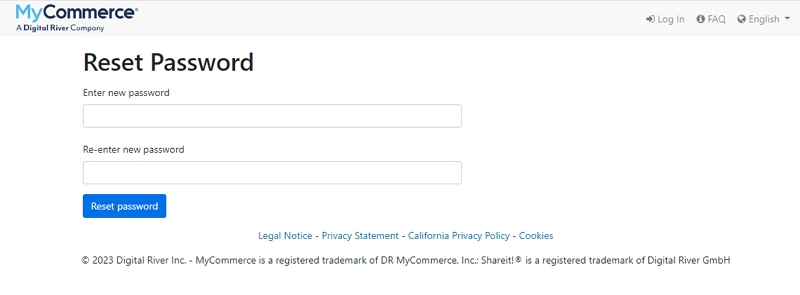
Note: If you do not have a password, please click the "Request Login/Password" link to reset it first. Follow the instructions to reset your password, then log back into MyCommerce.
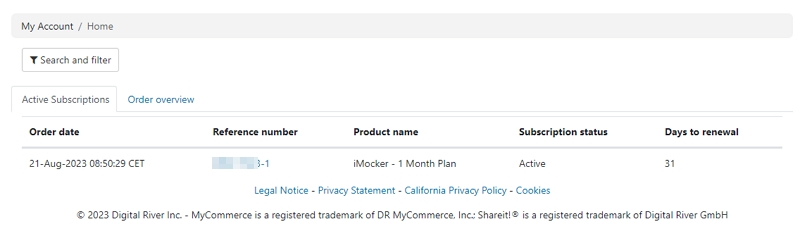
Step 2: When you log in, you'll see an overview of all your orders. Click on the order that you want to unsubscribe.
Step 3: Click the Cancel subscription option on the screen.
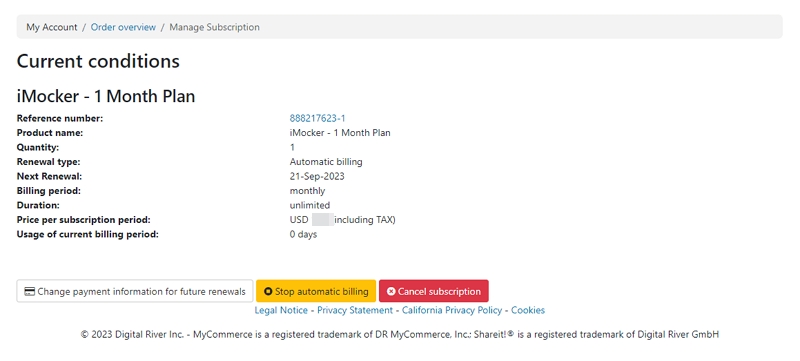
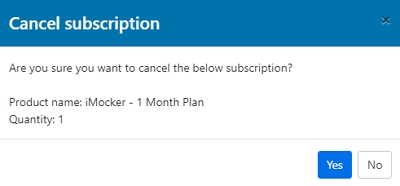
Step 4: Confirm the Cancel subscription option by clicking "Yes" on the pop-up window.
At last, a pop-up window will appear informing you that your subscription to this order has been canceled.


 AceFix - iOS System Repair